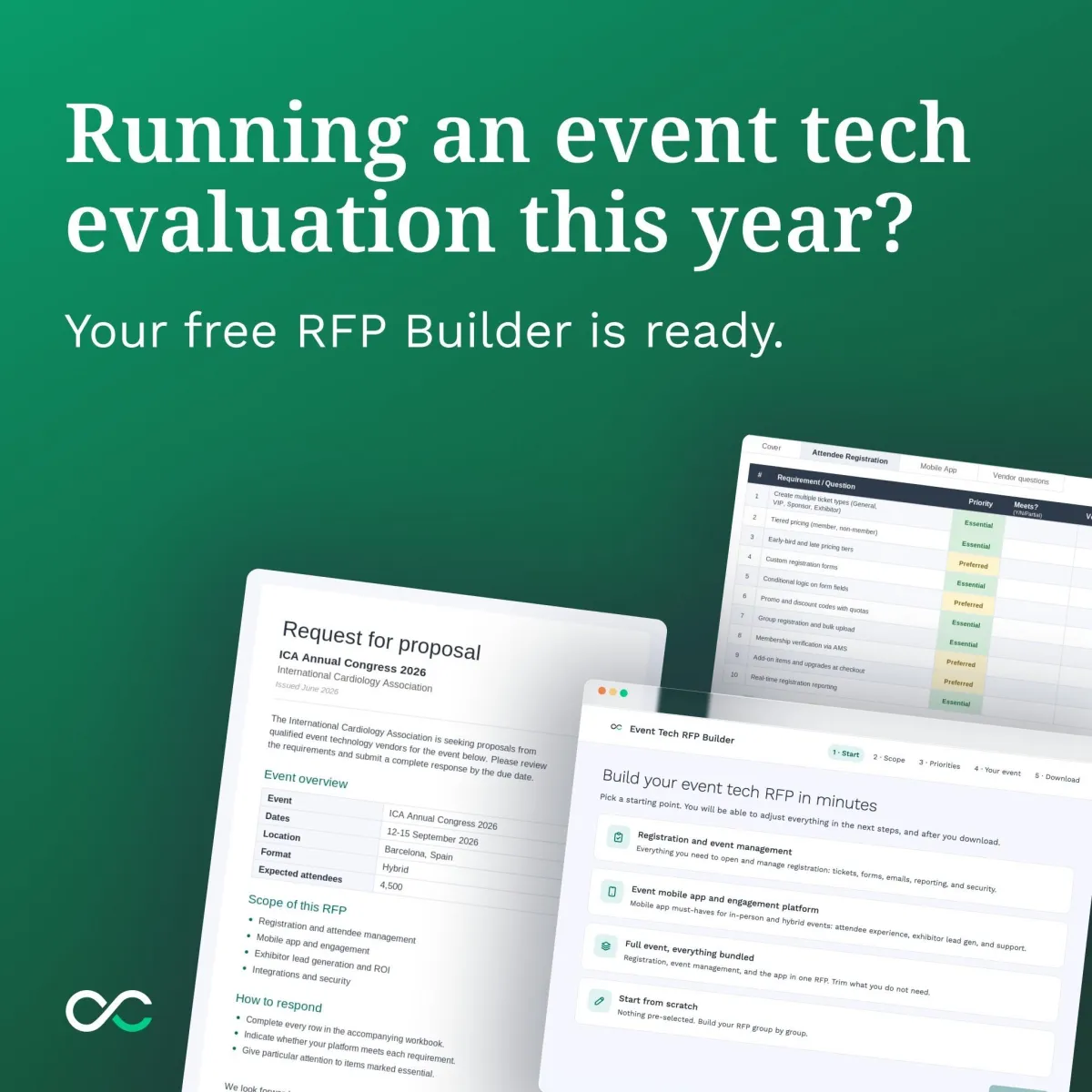
Build your event tech RFP in minutes
🛠️ Guides & Reports
Information
Skip the blank page. Choose what matters for your event and download a complete, vendor-ready RFP you can edit and send.
1. Define your scope: Choose registration, the event app, or the full event, then toggle on the required categories that matter to you.
2. Set your priorities: Each requirement comes pre-filled, but you can mark it Essential, Preferred, or Not Applicable.
3. Download and send: Get a cover letter and requirements workbook, ready to send to vendors, or customize.